

Four weeks ago, a Johannesburg man was hijacked. Unfortunately, for South Africans that’s not the sort of headline that stops us in our tracks anymore. We’ve become accustomed to hearing about hijackings, robberies, and crime in general. What happened with story, however, highlights just how dramatically crime has evolved in the smartphone era.
The victim wasn’t simply robbed and left stranded on the side of the road. Instead, he was allegedly taken along with the vehicle and held for hours while the bastards forced him to access his banking applications and transfer almost R900,000 before eventually being released.
It’s a crime that police are now referring to as an “express kidnapping”, and it represents a troubling shift in criminal behaviour. The objective is no longer just to steal your phone. Criminals increasingly want access to the digital lives we carry around in our pockets every day.
That distinction matters because our smartphones have quietly become the most valuable item most of us own, and not because of the crazy costs of the device itself, but because of everything it contains.
For most people, a smartphone is now their bank branch, wallet, filing cabinet, identity document, photo album, office, and communication hub rolled into a single device. Lose access to it and you’re not simply replacing a phone. You’re potentially exposing your finances, personal information, business accounts, and digital identity.
The statistics paint a worrying picture.
South Africa lost billions of rand to banking fraud last year, with digital banking channels accounting for the majority of reported incidents. Telecommunications fraud, including SIM swap attacks, continues to grow, while identity theft remains one of the fastest-growing forms of financial crime. Criminals are increasingly targeting smartphones because they have realised something many consumers haven’t: your phone is often the quickest route to your money.
What makes this particularly concerning is that most people are still relying on the same security setup they configured when they first bought the device. A fingerprint scanner. A PIN. Maybe facial recognition.
Meanwhile, Google has spent the last few years quietly building a range of security tools into Android that are specifically designed to deal with modern smartphone crime. The problem is that many users either don’t know these features exist or have never taken the time to enable them.
If you own an Android smartphone, here are five security features worth turning on today.
Theft Protection: Because the First Few Minutes Matter Most
The reality of smartphone theft has changed significantly over the past few years. Criminals are no longer interested solely in the resale value of the device. In many cases, the hardware is simply a gateway to something much more valuable.
Your banking apps.
Your passwords.
Your payment wallets.
Your email accounts.
Your digital identity.
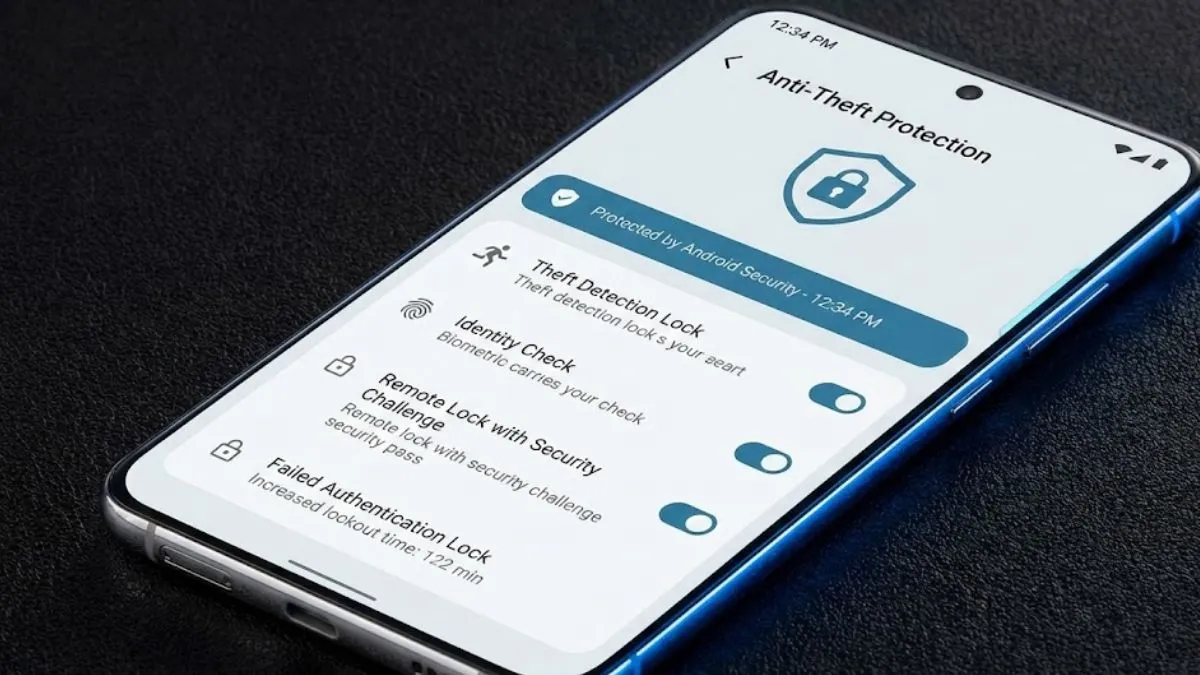
Google’s Theft Protection suite was developed with exactly this scenario in mind and includes several layers of defence designed to protect your device during those critical moments immediately after a theft.
One of the most interesting features is Theft Detection Lock, which uses artificial intelligence along with the phone’s built-in sensors to recognise behaviour consistent with a snatch-and-run theft. If the device suddenly detects movements associated with someone grabbing the phone and rapidly moving away, such as running, cycling, or driving off, it can automatically lock the screen before the thief gains access.
Another feature, Offline Device Lock, addresses a tactic commonly used by criminals who immediately disconnect a stolen device from the internet in an attempt to prevent tracking. If Android detects suspicious network disconnection behaviour, it can automatically lock the phone.
Perhaps the most useful feature for many people is Remote Lock, which allows users to lock their phone remotely using a verified phone number and a security challenge, even if they don’t have immediate access to their Google account credentials.
To enable Theft Protection, open:
Settings → Security & Privacy → Theft Protection
Once inside the menu, enable Theft Detection Lock, Offline Device Lock, and Remote Lock.
Private Space: A Hidden Layer for Your Most Sensitive Apps
One of the uncomfortable truths about smartphone security is that biometric authentication only works when you’re using it voluntarily.
If someone physically forces you to unlock your phone, a fingerprint scanner or facial recognition system offers very little protection.
This is where Android’s Private Space feature becomes particularly valuable.
Introduced in Android 15, Private Space allows users to create a completely separate and protected area within their smartphone where sensitive applications can be stored. Banking apps, password managers, cryptocurrency wallets, investment platforms, and confidential work applications can all be placed inside this protected environment.
What makes Private Space different from a standard folder is that apps stored there effectively disappear when the space is locked. They won’t appear in searches, notifications, recent apps, or the app drawer. To someone looking at the phone, those applications simply don’t exist.
It isn’t a perfect solution for every scenario, but it does create an additional layer between criminals and the apps they are most likely to target.
To enable Private Space, navigate to:
Settings → Security & Privacy → Private Space
Follow the setup process and choose which applications you want to store within the hidden environment.
App Pinning: The Most Underrated Security Feature on Android
Not every privacy concern involves organised criminals or sophisticated fraud schemes.
Sometimes it’s as simple as handing your phone to a colleague who needs to make a quick call or allowing a friend to use your device for a few minutes.
The problem is that smartphones contain an extraordinary amount of personal information, and once someone has your unlocked device in their hands, it’s surprisingly easy to wander into messages, photos, notifications, or other apps.
App Pinning solves this problem elegantly by locking the device to a single application. The user can interact with that app normally, but they cannot navigate elsewhere on the device without your authentication credentials.
It’s one of Android’s oldest security features, yet many users have never heard of it.
To enable App Pinning:
Settings → Security & Privacy → More Security Settings → App Pinning
Turn the feature on.
Once enabled, open the application you want to share, access the Recent Apps screen, tap the app icon at the top, and select Pin.
Screenshot Privacy Tools: Because We Share More Than We Realise
Think about how many screenshots you’ve shared over the past month.
Payment confirmations.
Banking transactions.
Flight bookings.
Medical information.
Work conversations.
WhatsApp chats.
Screenshots have become the universal language of digital communication, but they frequently contain information we never intended to share.
Many modern Android smartphones from manufacturers such as OPPO, OnePlus, Samsung, and others now include AI-powered privacy tools that automatically identify sensitive information and blur it before an image is shared.
Depending on your device, the feature may be called Auto Blur, Privacy Blur, Smart Blur, or Auto Pixelate.
The names vary, but the goal remains the same: helping prevent accidental exposure of personal information.
The next time you take a screenshot, open the editing tools and look for privacy-related options that automatically detect and obscure sensitive information.
Three More Settings Worth Checking Today
While you’re already exploring your phone’s security settings, there are three additional features worth enabling.
Privacy Dashboard
Privacy Dashboard provides a detailed view of which applications have accessed your camera, microphone, location, contacts, and other sensitive permissions over the previous 24 hours.
For many users, it’s an eye-opening experience.
Apps you forgot existed may still have access to sensitive data, while permissions granted months ago may no longer be necessary.
You can access it via:
Settings → Security & Privacy → Privacy Dashboard
Disable 2G Connectivity
Many modern Android devices allow users to disable 2G network support entirely.
Given that most consumers rarely use 2G services today and older network technologies are generally more vulnerable to certain interception techniques, disabling it can reduce unnecessary exposure.
Navigate to:
Settings → Network & Internet → SIMs → Allow 2G → Off
Enable Scam Protection
Scam messages have become significantly more convincing, particularly as criminals increasingly use artificial intelligence to create realistic phishing attempts.
Google’s built-in scam detection tools can help identify suspicious calls and messages before they become a problem.
To enable them:
Google Messages → Settings → Spam Protection
and
Phone App → Settings → Caller ID & Spam
The Bigger Picture
The uncomfortable reality is that South Africa’s smartphone crime problem is no longer really about smartphones.
The phone is simply the key that unlocks everything else.
No security feature can guarantee protection against every threat, and anyone promising otherwise is selling fantasy rather than security. What these tools can do, however, is make you a more difficult target and buy valuable time when things go wrong.
The encouraging part is that most of these features are already sitting on your device waiting to be activated.
You don’t need to buy anything.
You don’t need to install another app.
You just need to spend ten minutes in your settings.
Given the scale of digital fraud in South Africa today, that might be one of the smartest ten-minute investments you make this year.
